How AI for Home Services Is Changing the Industry
Many home service owners are still answering their own calls at 8pm, chasing invoices they sent three weeks ago, and losing track of customers they serviced…
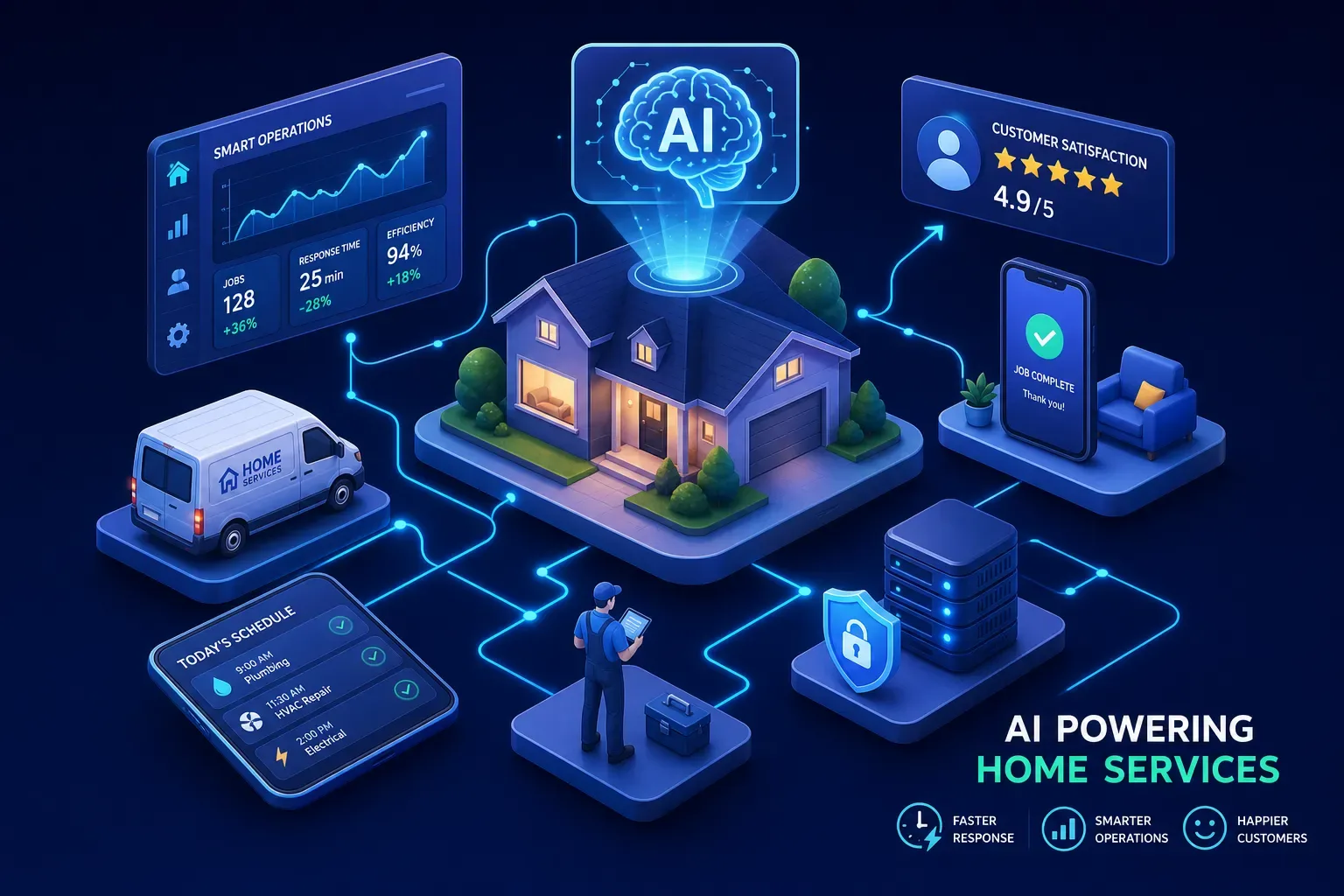
Many home service owners are still answering their own calls at 8pm, chasing invoices they sent three weeks ago, and losing track of customers they serviced two years back. That's not a staffing problem, it's an operations problem. AI for home services is solving it shop by shop, and the businesses winning right now aren't waiting for the industry to catch up.
This isn't the kind of AI that writes emails or generates slides. This is operational AI: tools that answer your phones, collect money you're owed, reactivate customers sitting dormant in your system, and brief you every morning on what happened overnight. The businesses running these systems aren't large enterprises with dedicated IT teams. They're $2M HVAC shops and plumbing operations with three trucks and a part-time scheduler.
This guide breaks down what's actually working in 2026, what the numbers look like, and how to decide where to start.
What AI for home services actually looks like right now
AI in home services isn't a single product. It's a layer of connected tools that handle the repetitive, time-sensitive tasks that fall through the cracks when owners are in the field. The highest-impact use cases operators are running right now fall into four categories: 24/7 call answering and job booking, accounts receivable follow-up, dormant customer reactivation, and daily operational briefings delivered before the first truck rolls.
Not every operator gets the same return from these tools. The difference usually comes down to two things: whether the AI connects directly to your field service management software (Jobber, Housecall Pro, ServiceTitan) and whether it's configured to match your actual pricing, service area, and customer voice. Generic setups produce generic results. Shops that deploy AI with their real operational data behind it are the ones seeing gains of 25% or more in appointment completion rates, some reports put the upper range near 40%, along with five-figure revenue recoveries within 90 days, depending on integration quality and which workflows get targeted first.
The technology is mature enough in 2026 that the question isn't whether it works for well-configured deployments. The question is which problems you point it at first.
How AI call answering for home services stops the after-hours revenue bleed
After regular business hours, roughly 84% of contractor calls go unanswered. That translates to more than $78,000 in lost revenue per year for the average shop, and that number assumes you're not running paid ads or doing any volume above average. A 10-technician HVAC company that captures its after-hours calls with an AI phone agent can recover $5,000 to $15,000 per month in bookings that would have gone to a competitor. That's what the math looks like when a customer with a broken AC unit calls at 9pm and something actually answers, collects the details, and books the morning slot. Without that, the customer calls the next shop on Google.
The comparison most operators make is AI versus a live answering service. The live service takes a message. The AI agent qualifies the job, confirms the address, checks your calendar, books the appointment, and sends the customer a confirmation text before hanging up. It also knows not to promise same-day service on a Saturday if your crew is already booked out. Home services AI agents are converting inbound calls to booked appointments at rates of 58, 75%, compared to 45, 50% for typical human-handled inbound calls. That's a meaningful operational difference, not just a cost savings argument.
Platforms like Goodcall, Smith.ai, and Avoca AI handle booking and live transfers for home services. If you're already on ServiceTitan or Housecall Pro, both platforms have native AI call tools, ServiceTitan AI Voice and Housecall Pro CSR AI, built into their existing workflows. The key question when evaluating any of them is whether the AI can write directly back to your FSM or whether it's just sending a message to your inbox.
Getting paid and winning back customers already in your system
Many home service businesses are sitting on invoices in the 30-to-90-day range they haven't followed up on in weeks. The work is done. The invoice was sent. And then it just sat there because nobody had time to make the calls. AI can run systematic invoice follow-up across your entire aging AR stack, sending reminders at 30, 45, and 60 days, flagging exceptions for the owner, and logging every touchpoint back into your accounting software where integration supports it. No drama, no awkward conversations, just a consistent process that gets checks moving. Businesses using automated AR follow-up typically see days sales outstanding drop by 20, 35%, which on a $500K AR balance is a significant cash flow improvement.
Dormant customers are the cheapest leads you have. A customer who booked an HVAC tune-up two years ago and never came back isn't a lost customer, they're a warm lead who already trusts your company. AI reactivation campaigns pull directly from your QuickBooks or FSM history, identify customers who haven't booked in 12 to 24 months, and send targeted outreach with offers tied to the season. Past customers respond at 8, 15% in multi-channel reactivation campaigns, which is dramatically higher than cold outreach. Based on benchmark examples, a well-run campaign against a 2,000-contact dormant database can recover $50,000 to $200,000 in 60 to 90 days.
The customers are already there. You just haven't asked them to come back, and that's exactly the kind of follow-up problem that home service automation handles without anyone lifting a finger.
The morning briefing model that replaces 90 minutes of admin work
A useful morning briefing isn't a data dump. It's a prioritized summary of what happened overnight, what's urgent today, and what was already handled automatically. For a home service owner, that means: calls that came in after hours and were booked or missed, invoices that crossed a payment threshold, any tech certifications approaching expiration, and the day's schedule flagged for conflicts or underquoted jobs. That's a complete picture of the business in under five minutes.
Field service operators using this kind of AI automation commonly report saving six or more hours of admin per week. That compounds quickly when you're also eliminating the manual dispatching friction, the payment reminder phone calls, and the scramble to figure out what happened while you were on a job site. Operators used to spending the first 90 minutes piecing together yesterday's activity find that getting a full briefing before the first truck rolls changes how the entire day runs, decisions happen earlier, with better information.
The value here isn't just time. It's attention. When you're not reacting to yesterday's problems at midday, you're working on the business instead of in it. That's the actual leverage point for any owner trying to scale past a revenue ceiling they've been stuck at for two or three years.
AI scheduling and dispatch: where the revenue math gets obvious fast
Scheduling and dispatch are where AI produces some of the clearest, most measurable gains for field service businesses. AI dispatch tools cut scheduling time from 8, 15 minutes per job down to 2, 3 minutes, and route optimization reduces drive time by 15, 40%.
Fleet and capacity gains
On a fleet of five trucks, that's a material reduction in fuel costs and an increase in how many jobs each tech can complete in a day. Operator benchmarks put fuel savings in the range of $300, $500 per vehicle per month, and that's before accounting for the additional revenue from higher job capacity.
Real-time rescheduling
When a morning job runs long, AI dispatch reshuffles the board and sends the nearest qualified tech to the next call instead of holding the original route. When a customer reschedules last minute, the system fills the gap automatically rather than leaving a dead slot on the calendar. These aren't exotic features, they're basic operational logic that most shops are still handling manually because their FSM hasn't pushed them toward automation yet.
The best FSM platforms for contractors in the $1M, $5M range include Jobber for simpler operations and ServiceTitan for shops that need deeper reporting and call coaching tools. Housecall Pro sits in the middle, with strong mobile usability and built-in customer communication tools. None of them replace a dedicated AI automation layer, but they're the foundation the automation runs on top of.
What separates a real AI platform from another generic software tool
There's a meaningful difference between AI tools designed by software developers who've studied the home services market and tools built by operators who actually run a shop. Maximus, for example, was developed and tested inside Temperature Pros Orlando, an active HVAC company, before being offered to other operators. That matters because the features aren't hypothetical. The dormant customer reactivation workflow recovered over $31,000 in a single campaign. The AI-driven AR follow-up collected $12,400 in aging invoices within 90 days. Those results came from the same system now available to other shops in the $1M, $5M revenue range.
When you're comparing AI platforms for your home services business, the questions that matter most are direct ones. Does it connect to the FSM and accounting software you already use? Does it get trained on your pricing, voice, and service area before going live, or does it go live with generic defaults? Is there a real operator on the other end of the relationship, someone who understands what it actually means to run a service business, or just a support ticket queue staffed by people who've never dispatched a tech in their life?
Generic tools solve generic problems, and your shop has specific ones. The operators seeing real results from AI for home services in 2026 aren't the ones who bought the most sophisticated platform after a polished demo. They're the ones who identified two or three specific problems, missed calls, unpaid invoices, dormant customers, then deployed AI against those problems with their actual business data behind it.
Start with your biggest revenue leak. Calls going unanswered after hours? Fix that first. AR aging report looking like a graveyard? That's your starting point. Thousands of past customers who haven't booked in over a year? That's a campaign waiting to run. The technology works when it's configured around the reality of your business, and the shops figuring that out are quietly pulling ahead.
Where to start: a short implementation checklist
Before you evaluate a single vendor, get clear on which problem costs you the most money right now. After-hours missed calls, aging invoices, and dormant customers are the three areas where AI for home services delivers the fastest, most measurable return. Pick one.
- Pull your after-hours call volume from the last 90 days and estimate how many went unanswered. Multiply by your average job value. That number is your baseline for evaluating an AI phone agent.
- Run an AR aging report and identify invoices past 30 days. That balance is money you've already earned and haven't collected. Automated follow-up should move most of it within 60 days.
- Filter your QuickBooks or FSM for customers with no activity in the last 12, 24 months. That list is your first reactivation campaign.
- Before committing to any platform, confirm it integrates directly with your existing FSM and accounting software. Integration-first setup is what separates a tool that helps from one that adds work.
- Ask any vendor whether the system gets trained on your specific pricing, service area, and staff before it goes live. If they say yes, ask to see how. If they can't explain it clearly, that's your answer.
The operators who get this right don't overhaul everything at once. They fix one leak, see the return, and expand from there. Start with your clearest revenue problem, apply AI for home services to it specifically, and build from that first win. That's how it actually gets embedded into a business rather than sitting unused in a software stack nobody logs into after month two.