JobNimbus Roofing Software: Is It Right for You?
Choosing JobNimbus roofing software for your crew is a serious operational decision, and most reviews won't actually help you make it. They list features.
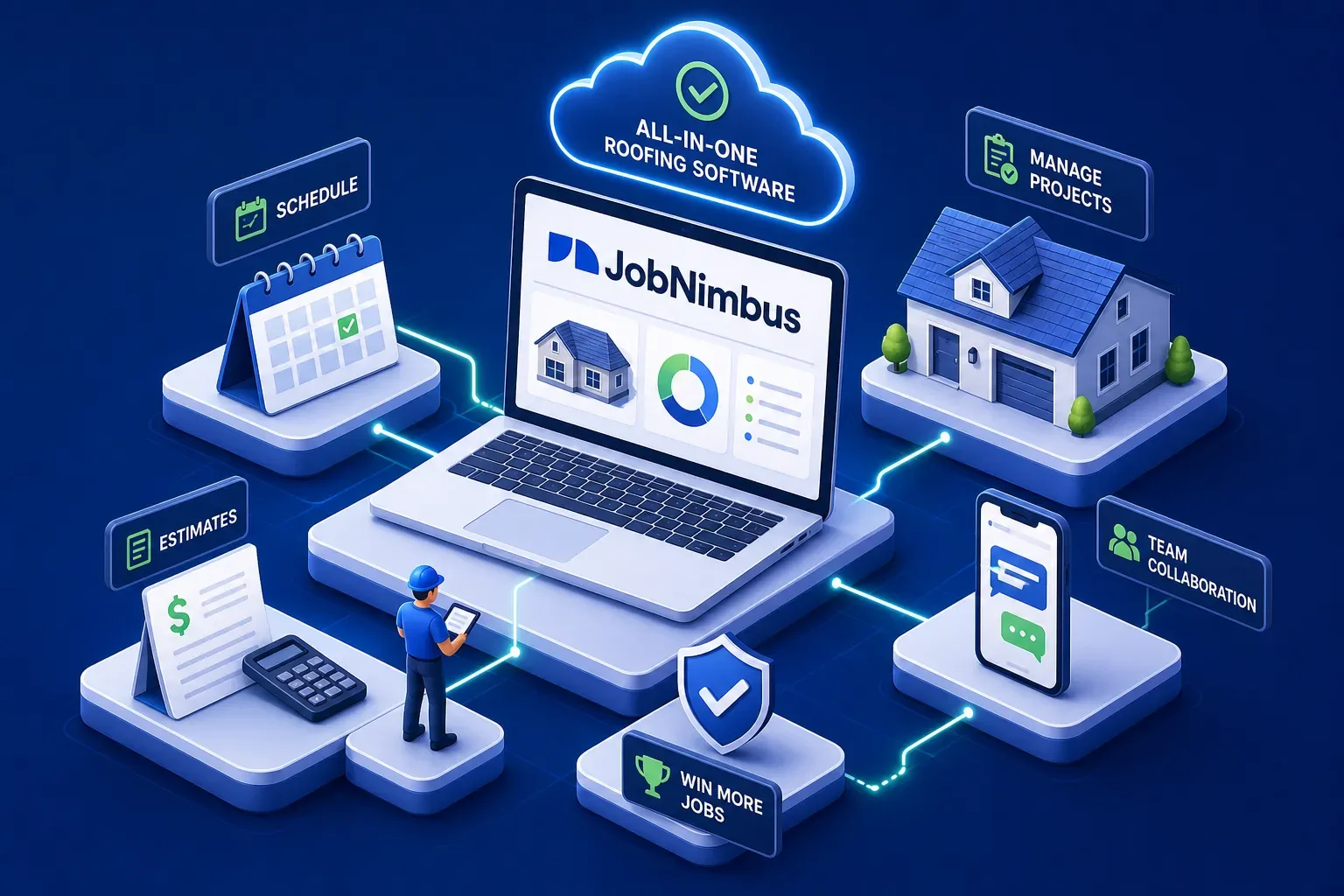
Choosing JobNimbus roofing software for your crew is a serious operational decision, and most reviews won't actually help you make it. They list features. They skip the hard questions. This one doesn't. What follows is an honest look at what JobNimbus roofing software actually does for roofing businesses, what it costs in real terms, how the mobile app holds up in the field, and how it compares to Jobber and ServiceTitan so you can make a clear call.
One thing worth saying upfront: no FSM platform is magic on its own. The software you pick is your foundation. What you build on top of it, the habits, the follow-through, the systems for capturing revenue your platform is already tracking, that's what actually moves the business. We'll come back to that.
JobNimbus Roofing Software: Core Features
CRM, pipeline, and job tracking
JobNimbus is built around the roofing sales and production workflow, not adapted from a generic field service template. It covers lead capture, contact management, customizable board-style pipeline stages, and task automation, with follow-up reminders that keep jobs from falling through the cracks. The drag-and-drop job tracking is where most contractors first see clear value: everyone on the team can see where a job stands without calling the office.
The workflows are highly customizable, which matters for shops with specific handoff stages between inspection, insurance approval, material order, and install. If your process has nuance, you can build that nuance into the platform rather than working around it.
Estimating, invoicing, and payments
The estimate-to-invoice workflow is a genuine operational strength. You can build quotes from measurements and sync with supplier pricing through ABC Supply and Beacon integrations. Approved estimates convert directly to invoices. Online payments are accepted natively, and QuickBooks sync handles the accounting side, all inside one platform. E-signature support means you can close jobs without chasing paper or scheduling a second visit.
When this flow is set up correctly, it removes a lot of the back-and-forth that bogs down roofing shops between estimate approval and payment collection. For a contractor running insurance restoration jobs where documentation and timing matter, that's not a small thing.
JobNimbus features and integrations that matter for roofers
JobNimbus supports QuickBooks Online and Desktop, EagleView for aerial measurements pulled directly into Smart Estimates, and Zapier for connecting tools that aren't natively supported. The CompanyCam integration is a practical win for crews doing photo-heavy damage documentation. The integrations ecosystem is solid for a roofing-focused shop. It's not the exhaustive marketplace you'd find on a general field service platform, but it covers what roofers actually use.
JobNimbus Roofing Software Pricing (2026)
Plan tiers and what they cover
JobNimbus no longer publishes fixed pricing publicly. The four plan tiers, Essentials, Pro, Premium, and Enterprise, are all quote-based. According to third-party pricing analyses published by review aggregators such as GetApp and Software Advice, Essentials runs around $225/month for up to 3 users, and Pro around $550/month for up to 10 users. These are estimated figures, not a published JobNimbus rate card. Premium and Enterprise scale further with custom quotes. JobNimbus does not charge a required setup or onboarding fee.
The per-user role charges nobody talks about
Here's what surprises most buyers: JobNimbus also charges per user by role, on top of the base plan. Rates reported in third-party analyses range from around $20/month for subcontractors up to $75/month for admin or owner roles, with sales and office staff landing in between. These figures reflect user-reported and review-aggregator data, not an official JobNimbus public rate card, confirm the exact structure in your quote. For a 10-person shop with a mixed role structure, the real annual cost can push well past $12,000 to $15,000.
Get the full breakdown in your quote before you compare it to other platforms. The base plan number alone is not the full picture. If you size up JobNimbus against Jobber using only the headline tier price, you'll be comparing the wrong numbers.
How the JobNimbus app performs in the field
Photo markup, signatures, and on-site workflows
The JobNimbus app handles the daily field essentials: photo capture, annotated photo markup, document storage, e-signatures, and job progress updates. For a crew documenting storm damage, recording installation progress, or collecting homeowner sign-off on a change order, it covers what you need. Smart estimating from mobile measurements is also available, though more complex jobs may still require the full desktop experience to finalize.
The offline question: test this before you commit
JobNimbus markets offline capability, but user reviews on G2 and Capterra tell a more complicated story. Some teams find offline mode works reliably; others report the app becomes slow or unusable without a signal. For crews working in areas with spotty coverage, that gap matters more than any feature list.
The honest advice: run a real-world test on an actual jobsite before you depend on it. Don't accept the marketing answer as the field answer. Pick a site with the kind of signal conditions your crews actually deal with and run through your full field workflow before you commit.
What contractors actually say about JobNimbus
Where it earns consistent praise
On G2 and Capterra, roofing contractors most often praise the ease of adoption, the visual pipeline management, and the automation features that keep jobs moving without manual nudging. The estimate-to-invoice workflow gets specific callouts as a time-saver. For shops currently running on spreadsheets, text threads, and gut feel, JobNimbus represents a real operational step forward. The learning curve is noticeably lower than more enterprise-grade platforms.
Where contractors run into walls
The most repeated complaints center on mobile reliability, shallow reporting, and pricing opacity. Reviews on G2 and Capterra flag the app crashing or underperforming in the field, reporting that doesn't give owners enough to make sound decisions, and pricing that's difficult to understand until you're already deep in a sales conversation. A smaller thread of reviews also flags email reliability issues and the fact that the platform isn't designed for dispatch-heavy workflows.
If you need robust scheduling and routing for a large service crew alongside your roofing jobs, you may feel the constraints. JobNimbus is built for a specific workflow. When that workflow matches yours, it's strong. When it doesn't, the gaps show up fast.
JobNimbus vs. Jobber vs. ServiceTitan: picking the right backbone
Three platforms, three different business profiles
These platforms are not interchangeable, and treating them as equivalent options is where most comparison articles go wrong. As a roofing CRM software, JobNimbus is built specifically for roofing and restoration contractors: the workflow, the integrations, and the pipeline structure all reflect that. Jobber is designed for broader home services, HVAC, plumbing, landscaping, cleaning, with a cleaner scheduling and dispatch engine and more transparent pricing, typically starting around $49 to $249/month depending on plan and user count. ServiceTitan is the enterprise-grade option built for HVAC and plumbing, with deeper reporting, call recording, and revenue tracking, but it carries a higher cost and a steeper implementation curve. ServiceTitan typically makes sense for shops doing $3M or more in revenue with a dedicated back office to manage it.
On raw cost, the spread is significant for a 5 to 10-person roofing crew. Jobber's published pricing for a 5-user team runs around $149/month on annual billing. JobNimbus for a comparable team commonly lands around $600/month or more once base plan and per-user role charges are factored in, figures derived from third-party pricing analyses rather than a public rate card. That's a real gap that deserves a real explanation before you sign.
Matching the tool to your business stage
For a roofing shop focused on insurance restoration, high-volume estimating, and pipeline tracking, JobNimbus is the most purpose-built option. For a shop that also runs service calls or maintenance agreements alongside roofing, Jobber may offer a more flexible foundation at a lower all-in cost. For a shop scaling toward multiple locations with complex reporting and financial visibility needs, ServiceTitan starts to make more sense despite the cost and implementation burden.
The wrong move is buying the biggest platform before your operation is ready to use it. ServiceTitan for a $2M roofing shop with no back-office staff is an expensive way to collect data you won't act on. Start with what fits your current stage, not your three-year aspiration.
The verdict: is JobNimbus roofing software the right call?
Who should choose it
JobNimbus earns its place for roofing and restoration contractors running teams of 3 to 15 who need a purpose-built platform for sales pipeline management, estimating, and job documentation. If your primary workflow runs from inspection through estimate, insurance coordination, production, and invoice, JobNimbus fits that loop better than a generic field service platform. It's not the cheapest option when you account for per-user role pricing, but the roofing-specific workflow logic is worth the trade-off for the right shop.
The layer that makes any FSM platform work harder
Whichever platform you choose, the software is only as valuable as the operational habits built around it. Most shops generate useful data inside their FSM and never act on it. Aging invoices go uncollected. Dormant customers sit untouched in the system. After-hours calls go to voicemail. That's a revenue problem, not a software problem.
That's where a platform like Maximus functions as a practical add-on to your FSM. Maximus integrates directly with your field service management software and QuickBooks to chase aging accounts receivable, reactivate dormant customers, and answer calls 24/7, without replacing your field service platform. It's not a replacement for the right FSM foundation. It's what you put on top of it to actually capture the revenue your current software is already tracking.
Pick the platform that fits your trade and business stage. Then build the systems around it to make sure you're extracting the full value. Most shops do the first part and skip the second entirely.
Make the call with real data
Overall, JobNimbus roofing software is a strong, purpose-built tool for roofing contractors who need a pipeline-first platform with solid estimating and job tracking. It's not perfect. The mobile app has real-world limitations, the reporting could go deeper, and the pricing requires an actual conversation before you can size it up against JobNimbus alternatives honestly.
If you're a roofing shop comparing your options, the next step is a demo with real data from your own operation, not a trial of empty fields. Plug in your actual pipeline stages, your team structure, and a sample of your real jobs. That's the only way to know if the platform fits how your team actually operates. And once you've made your pick, build the systems around it to make sure you're extracting the full value. The software won't do that part for you.