Top 5 Housecall Pro Alternatives for Home Services in 2026
If you're searching for a Housecall Pro alternative, you're probably not leaving because the software broke.
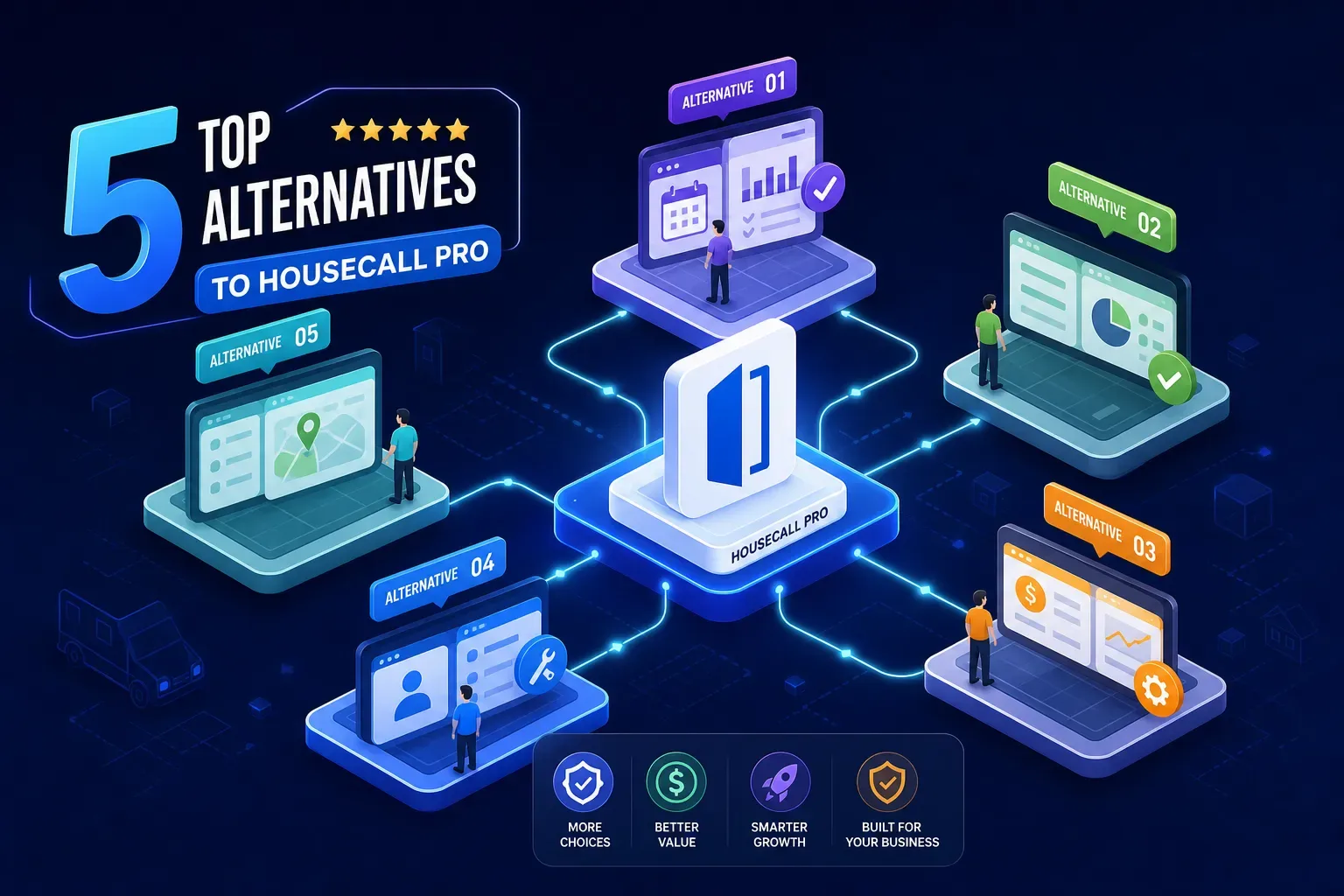
If you're searching for a Housecall Pro alternative, you're probably not leaving because the software broke. Most shops walk away because support got harder to reach, the bill crept up with add-ons they didn't ask for, and the office problems they thought the platform would solve are still there. That pattern shows up consistently across G2 and Capterra reviews: the core scheduling and invoicing work fine, but the experience around it wears people down over time.
Here's the honest part most comparison articles skip: switching field service software gets you a different scheduling tool. It does not get you a better-run shop. The real gap isn't Housecall Pro specifically, it's what every FSM platform leaves untouched: the after-hours calls, the aging invoices sitting in your system, the dormant customers who haven't booked in two years. That's where the money leaks, and no scheduling app is built to stop it. That's exactly the problem Maximus was built for, and we'll come back to it at the end. First, the five alternatives worth your time.
Why small shops are walking away from Housecall Pro
The support and pricing complaints that keep coming up
Support responsiveness on lower plans, billing that grows with add-ons over time, and workflow friction that compounds as the business scales are the recurring complaints across review platforms. G2 reviewers specifically call out chat-only support as a frustration, and multiple Capterra reviews from 2025 and 2026 highlight "frequent bugs disrupt workflow" as a recurring theme. This isn't a vendor takedown, it's what a lot of operators lived through before deciding to look around.
The pricing complaint is worth unpacking. The base plan isn't usually the problem. The problem is what it doesn't include, and what you end up paying once you add users, features, or integrations. That bill creep over 12 to 18 months is one of the most common reasons operators end up searching for a Housecall Pro replacement in the first place.
What a real Housecall Pro alternative needs to do for a sub-$5M shop
For a small home services operator, the evaluation criteria should be straightforward. You need a clean mobile experience for field techs, simple invoicing and payment collection, online booking that doesn't require a person to manage it, and pricing that stays manageable before you've added a second user. If a tool clears those four bars, it belongs on your list. If it doesn't, the feature list doesn't matter much. Those criteria are what frame each alternative below.
Jobber: the closest like-for-like swap
Jobber as a Housecall Pro alternative: features and price
Jobber is the first tool most operators should look at when evaluating alternatives to Housecall Pro. The Core plan runs $39 to $49 per month for solo operators (pricing varies by billing model). The Connect plan, which fits teams up to five users, runs around $149 to $169 per month. Grow, which covers up to ten users, runs around $199 to $349 depending on billing model. Most plans include a free trial, confirm current availability on Jobber's pricing page, as offers can change. The scheduling, dispatch, online booking, and invoicing are comparable to Housecall Pro in most practical ways, which is exactly why it's the most direct replacement on this list.
Jobber has a strong reputation among small to mid-size shops, and the reviews back it up. The mobile app is clean, setup is fast, and the SMB focus means the feature set doesn't overwhelm a small team. For a shop doing under $5M that wants to get off Housecall Pro without rebuilding their entire workflow, Jobber is the lowest-friction path.
Where Jobber wins and where it still leaves you short
Jobber handles the job lifecycle well, from estimate through payment. What it won't do is follow up on an invoice that's been unpaid for 45 days, answer your phones at 9pm when an AC goes down, or identify which customers haven't booked in two years. That's not a knock on Jobber specifically. That's the structural ceiling every FSM tool hits. The job lifecycle is covered; the office layer around it isn't.
Workiz: built for shops that live on communication
The free Lite plan and what it actually includes
Workiz has a free Lite plan for up to two users, which makes it the easiest no-risk way to test a Housecall Pro alternative. The catch is real: Lite caps you at 20 jobs, 20 invoices, and 20 estimates per month. For any shop doing real volume, you'll hit that ceiling fast. The paid tiers, starting with the Standard plan, are where Workiz becomes a legitimate operational tool. QuickBooks sync, automations, and communication features are all gated behind paid tiers, check Workiz's current plan comparison page for the latest breakdown.
What makes Workiz structurally different from Housecall Pro is the built-in phone and text toolset. Two-way SMS with customers, an "On My Way" notification system, and call tracking built into the workflow aren't features most competitors in the field service scheduling software space lead with. For shops where the daily friction is in customer communication rather than dispatch complexity, Workiz is a genuinely different type of tool.
When Workiz is the right call (and when it isn't)
Workiz earns its spot when the shop's biggest headache is communication overhead and customer no-shows. If your techs are constantly fielding "where are you?" calls, or your office is managing texts manually, the built-in communication layer pays for itself. It's less compelling for shops that need deep QuickBooks integration out of the gate, or for operations with complex estimating workflows. The profile it fits best: a small crew where the biggest operational drag is communication, not scheduling complexity.
FieldPulse: the pick for shops planning to grow
Pricing model and what you get for it
FieldPulse is seat-based and doesn't publish a full price sheet publicly. Third-party estimates put the Essentials tier around $65 per user per month and Professional around $90, visit FieldPulse's site directly for a current quote, since custom pricing is common. For a five-tech shop, that works out to roughly $450 per month before add-ons. That's a meaningful step up from Jobber or Workiz, and it's worth it only if you're actually using the configurability it offers. The mobile-first approach, QuickBooks sync, and field-only seat option, which lets owners add techs without paying full per-user pricing, are the features that justify the spend for a growing shop.
FieldPulse is the right pick for an operator adding their third or fourth truck who needs more than entry-level FSM tools can deliver. Where it stands apart from most alternatives in this category: the field-only seat pricing keeps headcount costs from ballooning as you scale, and the workflow configuration options go deeper than what Jobber or Workiz expose at the same stage.
The tradeoff between power and simplicity
More configurability means a steeper setup curve. For a solo operator or a two-tech shop, the extra surface area isn't worth the complexity or the cost. FieldPulse is a strong pick for operators who are scaling; it's the wrong call for operators who are trying to simplify. If you're adding trucks and need a platform that can grow with you, it earns serious consideration. If you're a small crew that just wants to get off Housecall Pro cleanly, Jobber or Workiz will serve you better.
ServiceM8 and Kickserv: the lean options for small crews
ServiceM8: polished, lightweight, iOS-first
ServiceM8 starts free for one user and scales from around $29 per month, making it one of the most accessible Housecall Pro alternative options for solo operators. The iOS app is consistently rated as one of the cleaner mobile experiences in the field service category, with strong on-site workflow tools: job notes, photos, signatures, and invoice creation all from the phone. The Android experience is lighter, which matters if your techs aren't on iPhones. For an iOS-first solo plumber or one-truck HVAC operator who wants a clean, fast app with no bloat, ServiceM8 is a solid fit.
Kickserv: the free entry point for budget-conscious operators
Kickserv offers a free plan for up to two users, with paid plans starting around $19 to $29 per month, confirm current pricing on Kickserv's site, as ranges vary by source. It covers scheduling, invoicing, job tracking, and basic customer management without a lot of extras. The workflow is simpler than ServiceM8, and intentionally so. For an owner-operator who just needs the core job management basics without paying for features they won't use, Kickserv is the most pragmatic starting point in this comparison and the lowest-cost path off Housecall Pro.
What no FSM tool actually automates
The office layer every scheduling app ignores
Every tool on this list handles the job lifecycle from estimate to paid invoice. None of them follow up on a 45-day-old unpaid invoice without someone manually doing it. None of them answer your phones at 9pm when a homeowner's AC goes down. None of them reach back out to a customer who last booked two years ago. These aren't gaps in any one platform, they're gaps the entire category of field service management software is simply not built to close. The FSM tool manages the job; everything around the job is still on you.
Where Maximus fits into your stack, whatever FSM tool you choose
Maximus is an AI office layer built specifically for home services owner-operators, and it integrates directly with Jobber, Housecall Pro, ServiceTitan, and the other tools on this list. It handles 24/7 call answering and job booking, chases aging accounts receivable, runs dormant customer reactivation campaigns pulling from your QuickBooks history, and delivers a daily 7am briefing summarizing what happened overnight and what needs your attention. We built and tested it inside our own HVAC company, Temperature Pros Orlando, before making it available to anyone else. In one reactivation campaign, the vendor reports recovering over $31,000. In the first 90 days of deployment, it collected $12,400 in aging receivables.
The point isn't to replace the FSM tool you're moving to. Jobber schedules jobs well. Maximus handles everything Jobber won't touch. For shops generating real revenue while running short-staffed in the office, that gap is where money leaks quietly, every single week.
How to pick your Housecall Pro alternative and what comes next
The decision framework is straightforward. Choose Jobber if you want the closest HCP equivalent with a strong track record among SMB shops. Choose Workiz if communication overhead is your biggest day-to-day pain. Choose FieldPulse if you're scaling past five trucks and need more configurability than entry-level tools provide. Choose ServiceM8 if you're an iOS-first solo operator who wants a polished, lightweight experience. Choose Kickserv if you're running as lean as possible and want to cut the monthly spend while covering the basics.
Whichever home services software replacement you land on, the scheduling and dispatch problem gets solved. The after-hours calls, the unpaid invoices, and the dormant customers sitting in your system are a different problem, and one worth solving separately. If you're evaluating a housecall pro alternative that also handles after-hours coverage and aging receivables, talk to us about what Maximus can recover in your first 90 days.