What Can a Jobber AI Assistant Do for Your Shop?
Most Jobber users hear "jobber ai assistant" and picture something that runs their shop while they're out on a job.
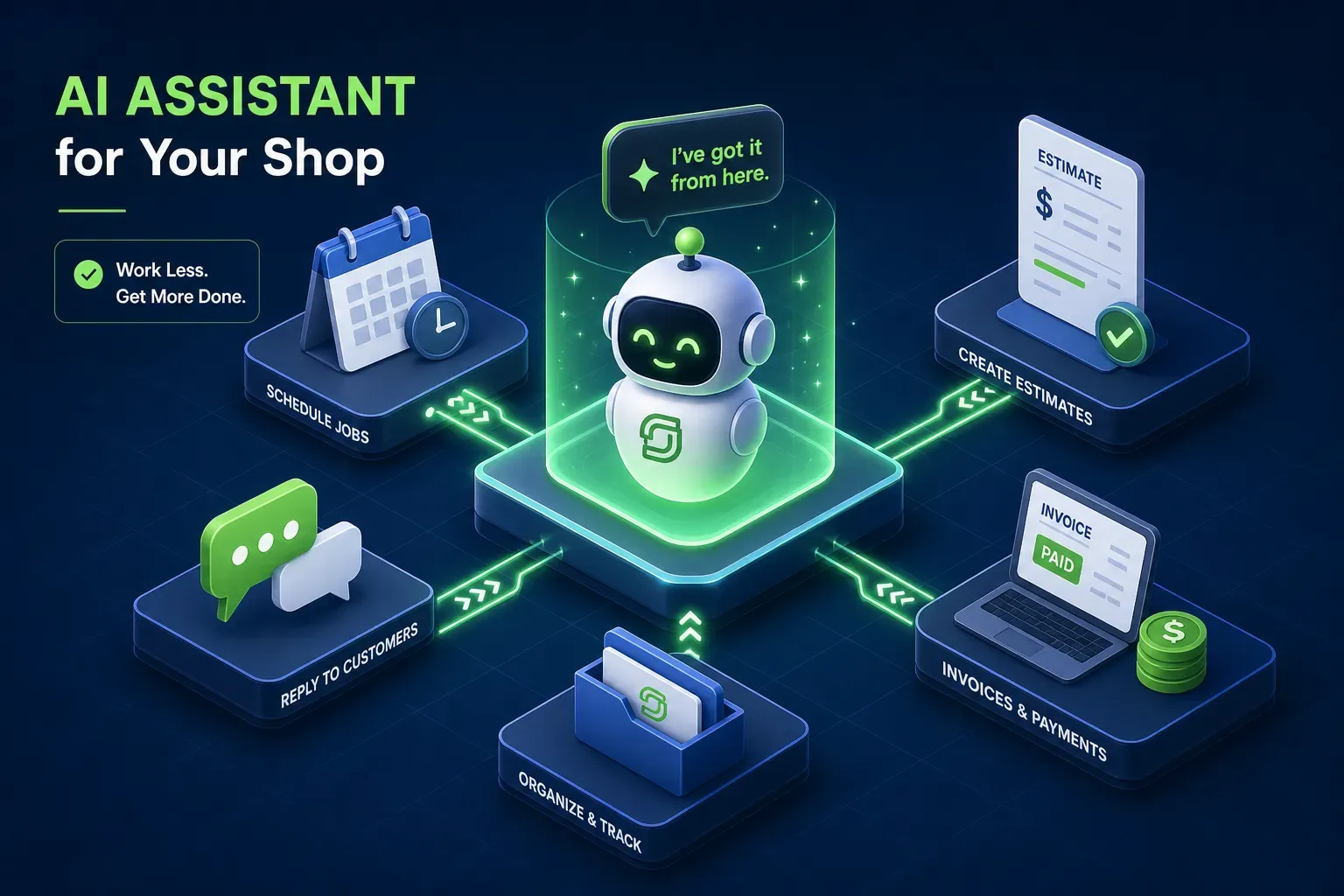
Most Jobber users hear "jobber ai assistant" and picture something that runs their shop while they're out on a job. The reality is more specific than that, and worth understanding before you add it to your plan or upgrade to unlock it. The Jobber AI assistant handles some genuinely useful things, but it has hard limits that catch shops off guard, and those limits tend to show up right where your revenue is leaking.
This guide breaks down exactly what Jobber's native AI covers, what it connects to inside your account, where it stops, and what the cost looks like depending on your plan. For shops that need more than what Jobber's native AI covers, tools like Maximus are built specifically to act as the full AI layer on top of Jobber, turning your field service data into recovered revenue and saved hours.
Jobber AI Assistant: What the Receptionist Actually Handles
Jobber's AI Receptionist is an inbound-only assistant that picks up calls and SMS texts 24/7 when your team doesn't answer. It uses a customizable greeting, handles the conversation, captures the lead's details, and routes the interaction based on rules you set. You can define escalation keywords that trigger a transfer or alert to a team member, so urgent calls don't just sit with the AI. Missed-call text-backs are also part of the package, which means customers who reach voicemail still get a response instead of calling your competitor.
The receptionist can offer to book a visit and drop it straight into Jobber using your existing availability rules and booking settings. It creates work requests, assigns follow-up tasks, and logs the conversation in a dashboard with transcripts, summaries, and recordings, all documented in Jobber's own help resources. The booking logic pulls from your actual Jobber schedule, so it's not guessing at open slots. This is where the inbound AI genuinely saves time, especially for after-hours calls that would otherwise go unanswered.
Setup and Configuration
Setup lives in the browser version of Jobber under the Receptionist section. You configure the greeting script, choose which automatic actions the AI can take without asking first, set escalation keywords, add your business information (services, policies, company background), and then run a test call before going live. A phone forwarding rule with your carrier routes calls to the receptionist after hours or after a set number of rings. It's designed to use your existing Jobber settings, so there's no parallel system to build from scratch.
How the Jobber AI Assistant Connects to Your Shop's Data
The Jobber AI assistant integrates with the core objects in your account: clients, requests, quotes, jobs, visits, invoices, and payments. When a call or text comes in, the AI can create or look up a client record, pull in service history, and attach a conversation summary to that client's file. Your team sees the full context of the interaction when they log in the next morning, not just a missed-call notification sitting in voicemail.
Jobber also added proactive outbound-adjacent features in 2025 worth knowing about. The AI campaign generator can draft branded email campaigns from a plain-language prompt, and the system can auto-draft quotes from incoming requests using your templates and past quote history. High-value quote alerts flag priority opportunities so your team can follow up faster. These are useful additions, though they still require a human to review and send; they're not fully autonomous outbound workflows. Jobber's AI voice and chat capabilities are similarly constrained to inbound interactions, with human review built into anything that touches outbound communications.
On the webhook side, Jobber supports event-based automations that fire on invoice and payment events, which means external tools can react when an invoice goes outstanding, gets paid, or changes status. The scheduling side works similarly: the AI uses your live calendar as the source of truth for availability and pushes confirmed bookings back into Jobber. These data connections are solid for inbound and reactive workflows. The limitation is that Jobber's native AI doesn't initiate proactive outbound actions on its own based on those same events.
Limits of the Jobber AI Assistant: The Gaps That Show Up Fast
The Jobber AI Receptionist does not make outbound calls, run reactivation campaigns to customers who haven't booked in 18 months, or proactively chase an unsigned quote that's been sitting for two weeks. If a customer's AC unit is due for a tune-up based on their job history, the AI won't reach out to schedule it. These outbound workflows are where most home services shops leave the most revenue uncollected, and the Jobber AI assistant doesn't cover them at a meaningful depth.
Accounts receivable follow-up is a real problem for shops running $1M or more in revenue. Invoices sitting past 30 or 60 days represent real cash that isn't being chased automatically inside Jobber. The platform supports invoice-related webhook events, but there's no native "overdue invoice" trigger, you're inferring aging from invoice dates and status fields, which requires a third-party tool to act on it automatically. The same gap exists for dormant customers: your Jobber and QuickBooks data contains years of completed jobs and customer contacts that could generate new bookings, but the Jobber AI Receptionist is built to handle the front door, not to go back through your database and recover what's sitting there.
ROI: When the Jobber AI Assistant Makes Sense
The AI Receptionist add-on runs $29 per month on Core, Connect, and Grow plans, which includes 30 conversations per billing cycle. Overage is $0.79 per additional conversation. On the Plus plan at $599 per month, the receptionist is included with unlimited usage. Pricing details can shift, so treat these figures as a starting point and check Jobber's live pricing page before making a plan decision. For context, the Grow team plan sits at $349 per month, so the jump to Plus is a significant step if you're primarily chasing unlimited receptionist conversations.
For a shop missing three to five after-hours calls per week, the math is straightforward: if the average job value is $300 and you convert even one missed call per month, the add-on pays for itself many times over. Jobber's platform data points to an average of 12 hours saved per week for active users, and third-party automation case studies, including published data from Zappr.AI, have reported operational efficiency gains in the 35% range when booking automation runs properly. Those numbers reflect what's possible when the inbound workflow is dialed in.
The ROI case gets weaker if your shop's main problem isn't missed inbound calls. If your bigger revenue leak is aging AR, unsigned quotes sitting cold, or customers who haven't been contacted in two years, the receptionist doesn't address those. Be honest about where your actual revenue is going before deciding whether the add-on or an upgraded plan is the right move.
When a Receptionist Isn't Enough: The Full AI Layer
Jobber holds an enormous amount of operational data: completed job history, customer contact records, invoice aging, quote status, and pricing patterns. The AI Receptionist uses a fraction of it. The rest sits in your account generating no action, no follow-up, and no revenue, and for shops doing more than $1M a year, that's where the real opportunity is.
Platforms like Maximus are purpose-built to sit on top of Jobber and do what the receptionist can't. Maximus connects directly to Jobber and QuickBooks, and can be configured to work with your phone system, to handle the full picture: chasing overdue invoices, running dormant customer reactivation campaigns pulled from your job history, and delivering a 7am morning briefing that summarizes overnight activity so you walk in knowing exactly where things stand. It reads the same client records, invoice data, and job history that Jobber holds, then acts on all of it rather than waiting for the phone to ring.
The difference between a Jobber AI Receptionist and a full AI office layer is the difference between answering the phone and actively managing your shop's revenue health. Maximus customers have reported multi-thousand-dollar recoveries through single reactivation campaigns and meaningful AR collections within 90-day windows, both by working data that was already sitting in Jobber and QuickBooks. If your shop is generating more than $1M in annual revenue, the gap between what Jobber's native AI handles and what a purpose-built platform like Maximus handles is where serious money lives. The Jobber AI Receptionist is a solid front-door tool. Maximus is the system that works the rest of the house.
The Honest Verdict for $1M to $5M Shops
The Jobber AI assistant does a specific job well: it answers inbound calls and texts, books jobs, and keeps your phone from going to voicemail after hours. For shops where missed calls are the primary revenue leak, it's worth the cost. The setup is straightforward, the integration with your Jobber schedule is real, and the conversation logging keeps your team informed without requiring anyone to manually update the CRM after every call.
It's an inbound tool, and many shops in the $1M to $5M range have bigger problems sitting quietly in their data. Unsigned quotes, unpaid invoices, and customers who haven't booked in two years don't require a better answering service to fix, they require something that goes and gets them. Run an audit of your own data before you decide: if missed inbound calls are your biggest leak, start with the Jobber AI assistant. If aging AR and dormant customers are the real drag, a platform like Maximus is where you finish, connecting the calls you answered to the revenue you actually collect.